> For the complete documentation index, see [llms.txt](https://maintainit.imaginitfm.com/llms.txt). Markdown versions of documentation pages are available by appending `.md` to page URLs; this page is available as [Markdown](https://maintainit.imaginitfm.com/maintenance/enter-a-work-request.md).
# Enter a Work Request
How to submit a new work order.
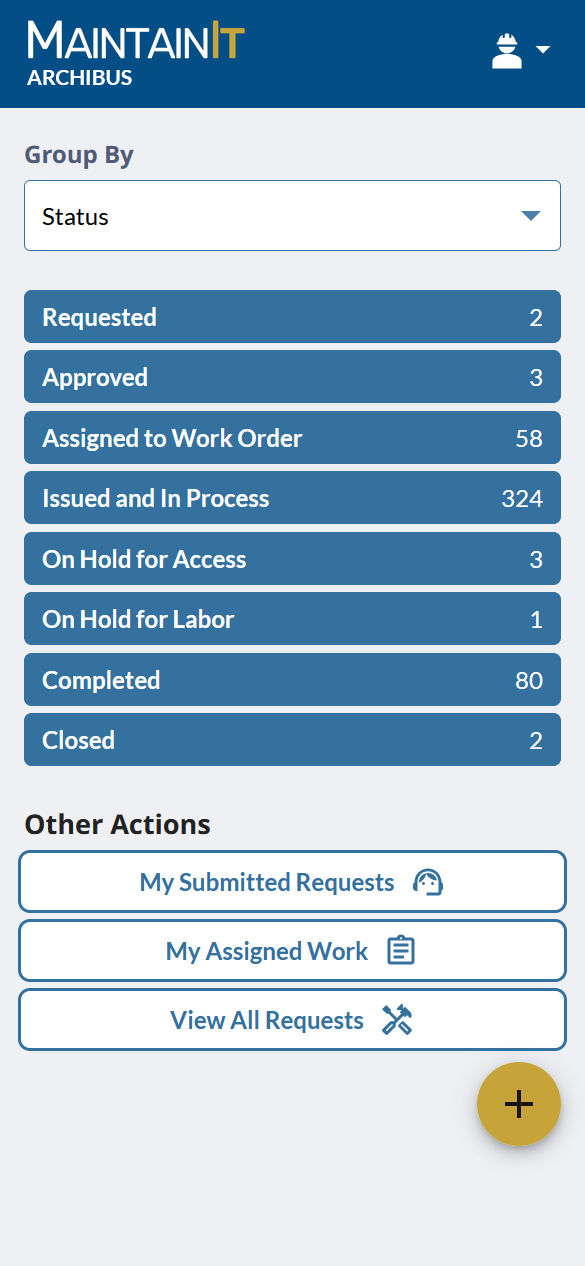
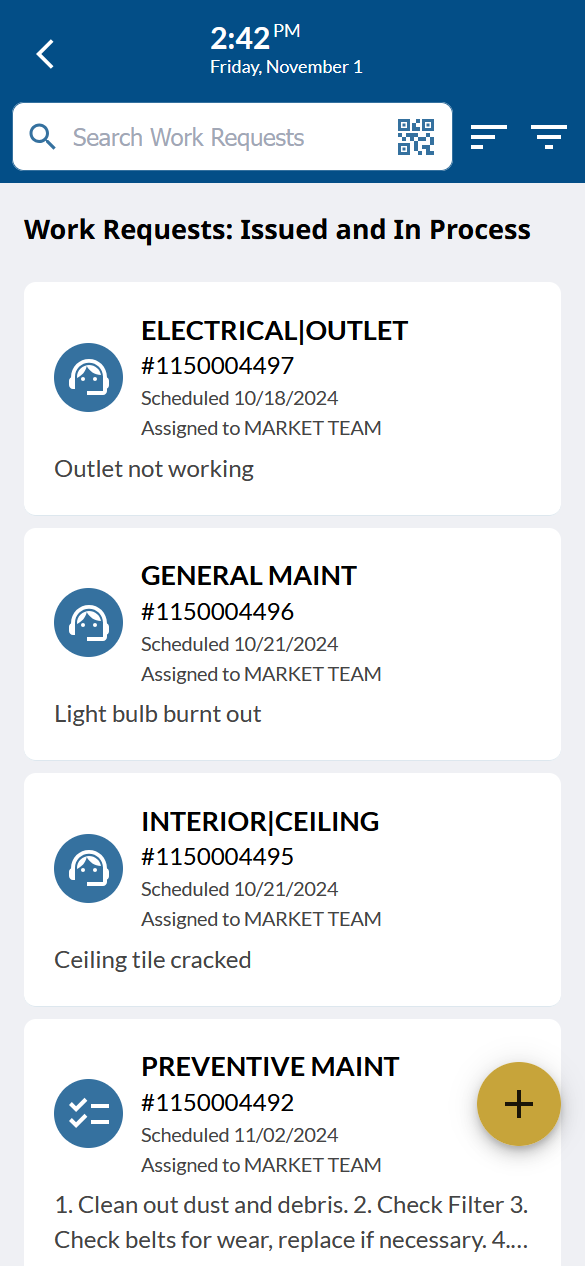
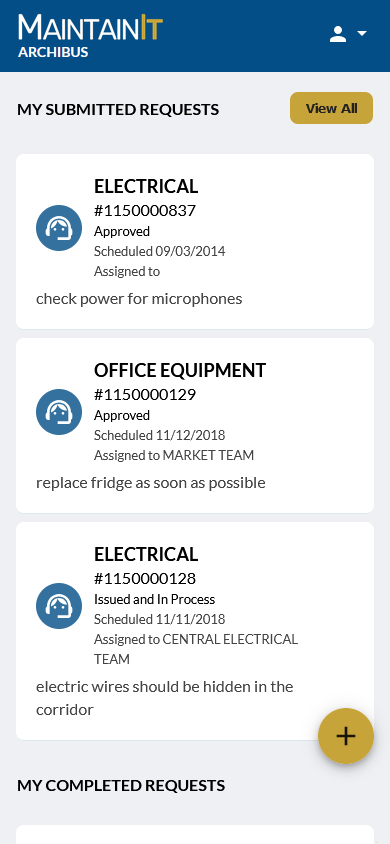
Technicians, Supervisors, and End Users can enter new Work Requests in MaintainIt. Click the big + button at the bottom, right corner from the home page or work request list to enter a new work request.
Technician/Supervisor Home Page
Work Request List
End User/Customer Home Page
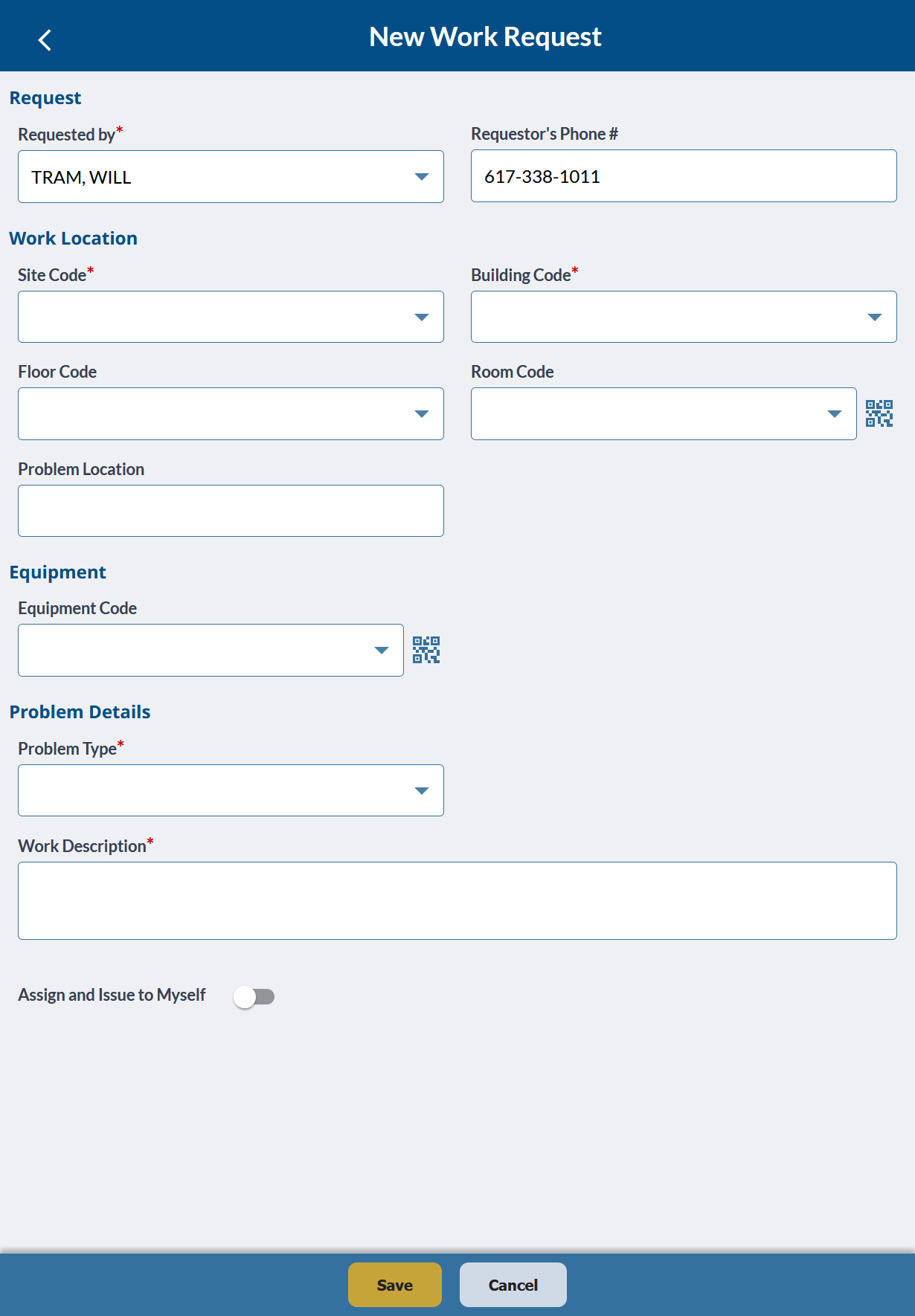
Fill in the required fields and click the Save button to submit. Afterwards you'll receive the Work Request Code for reference. The Equipment section and Problem Type field can be hidden based on system and user settings.
The "Assign and Issue to Myself" slider only shows for technicians and supervisors and can be disabled by a system administrator. Slide it on to have the work request automatically assigned to yourself and issued so it can be worked on immediately. This is great for issues you notice as you walk through a facility.