> For the complete documentation index, see [llms.txt](https://maintainit.imaginitfm.com/llms.txt). Markdown versions of documentation pages are available by appending `.md` to page URLs; this page is available as [Markdown](https://maintainit.imaginitfm.com/equipment/manage.md).
# Manage Equipment
MaintainIt allows you to manage your asset inventory in the field. Update information about existing assets or add new ones to inventory. Search by typing text or by scanning a barcode or QR code.
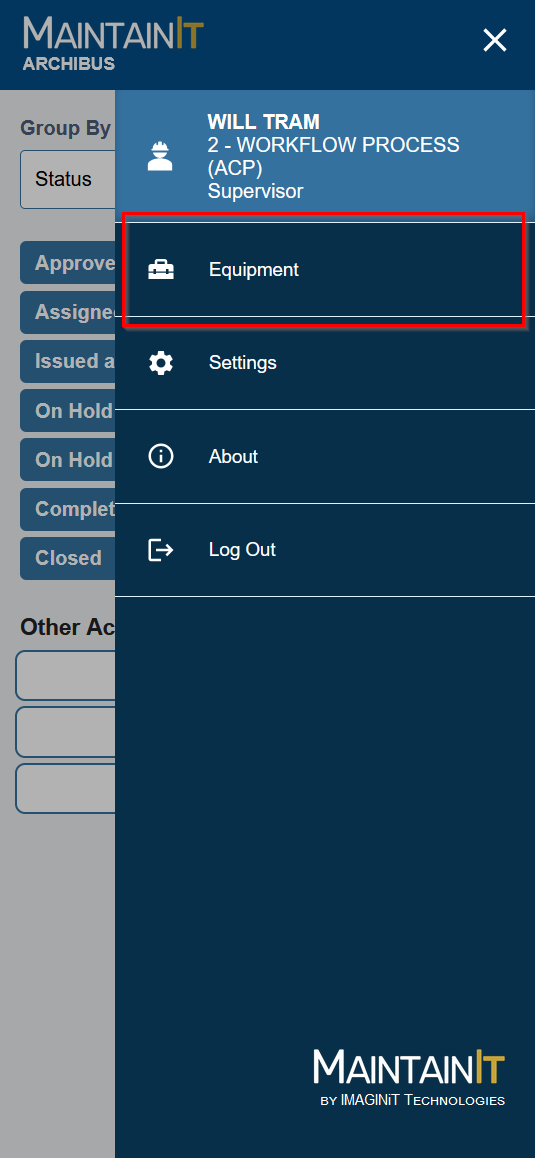
Open the menu to access the Equipment section.
### Manage Equipment
Click the menu icon in the top, right corner and tap "Equipment".
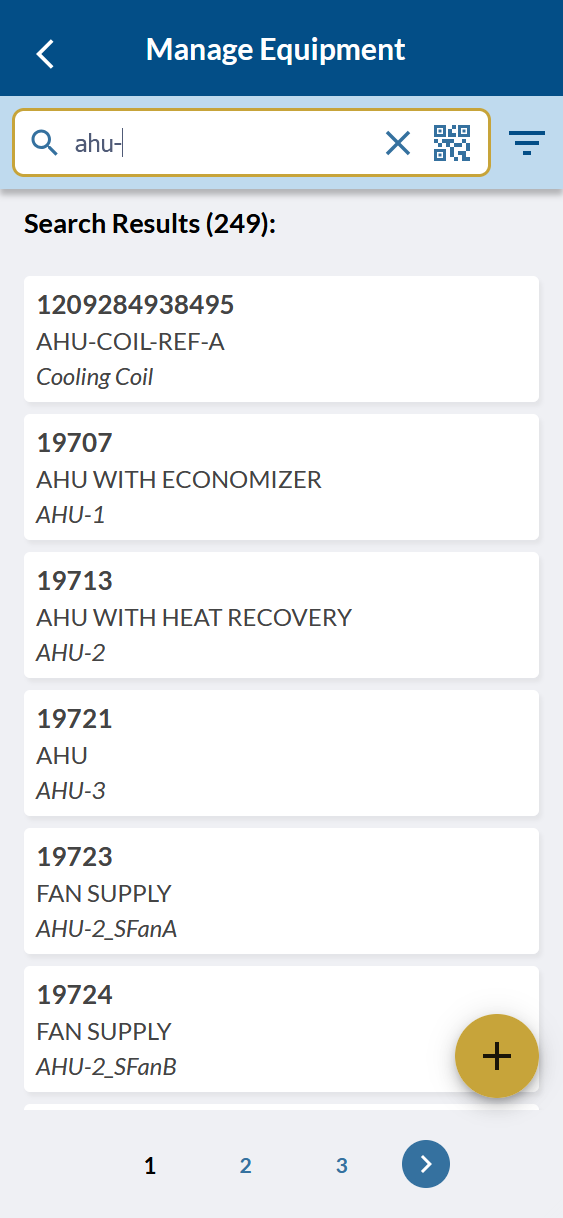
Type or tap the QR icon to scan and search using your device camera. MaintainIt support scanning text via barcode, QR Code, and Archibus Workplace URL QR Codes. If there are enough records, they will be split into pages. Use the page controls at the bottom to navigate the pages.
The search bar searches the following data fields:
1. Equipment Code
2. Asset ID
3. Equipment Standard
4. Manufacturer
5. Model Number
6. Serial Number
7. Comments
8. Equipment Description
Search for Equipment by Typing or Scanning
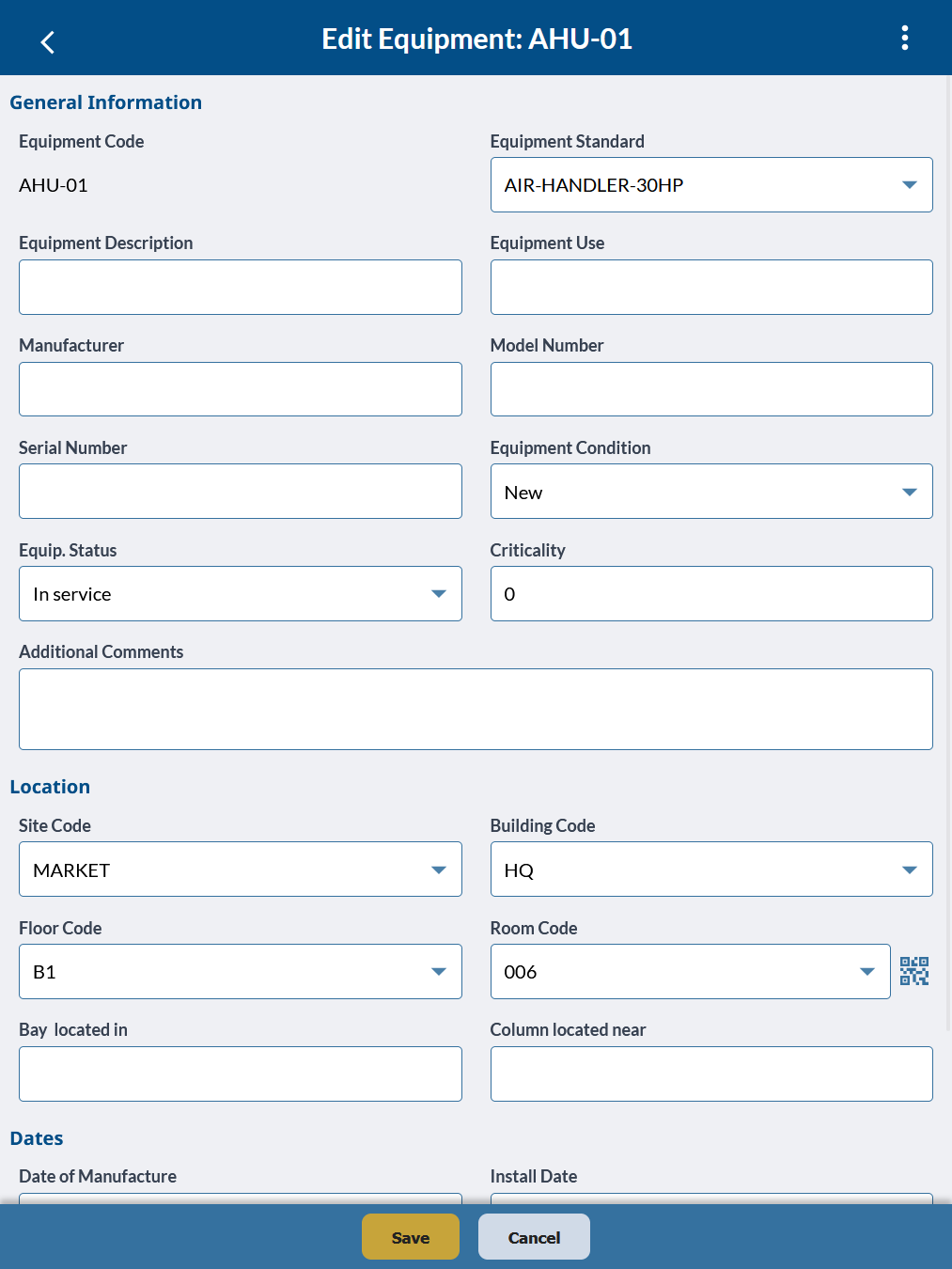
Select a piece Equipment to edit it the record. Click the "+" button to add a new asset to the inventory.